 Mobile networks
Guide
How to identify a mobile operator from a number in the UK
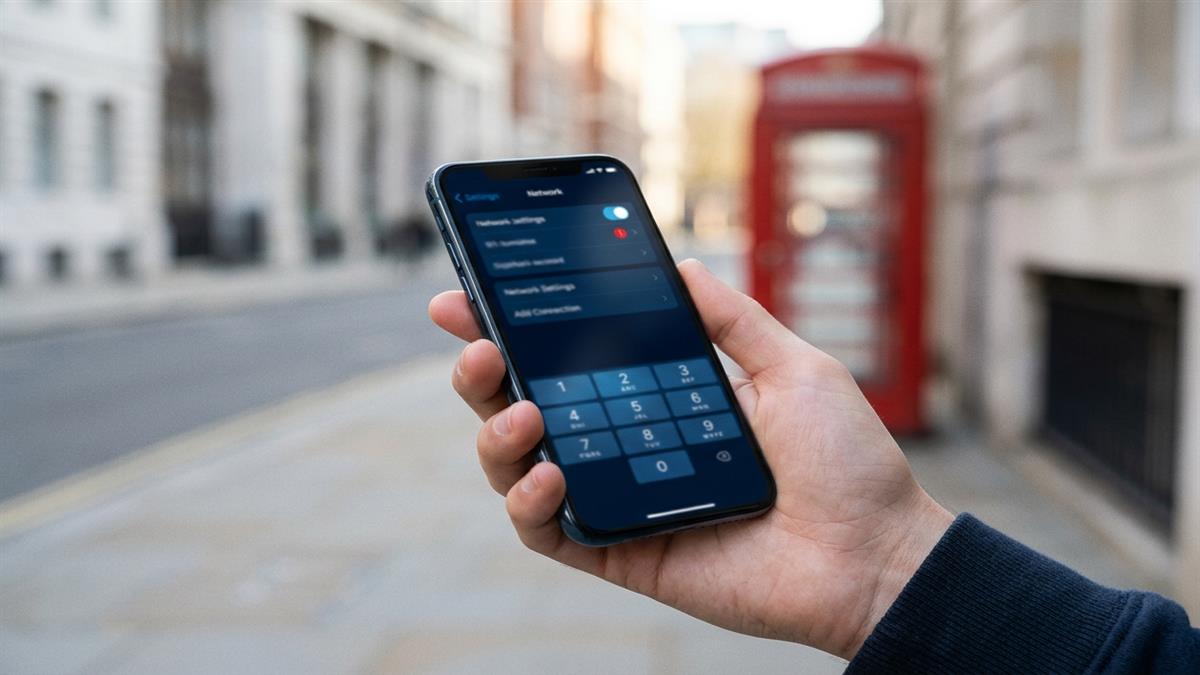
If you have ever searched a mobile number and seen a network name attached to it, you have met the original allocation. UK mobile ranges were assigned to operators in blocks, and those blocks are still recorded in public numbering data. The catch is that the SIM using the number today may not be on that network at all. Mobile number portability lets customers move between providers while keeping their number, so a prefix is a historical clue rather than a live signal.
This guide explains what the 07 ranges mean, why a lookup can still be useful, and how to identify the network a phone is actually using right now.
What a mobile prefix really tells you
UK mobile numbers begin with 07. Within that space, Ofcom and the operators allocate smaller ranges. For example, 07700, 07710 and similar five-digit blocks were assigned to particular networks at particular times. A prefix lookup matches the number against those allocations and reports the original holder of the range.
This is useful background. It can tell you whether a number belongs to a mobile range, a paging service or personal numbering, and it can explain why two numbers that look similar may have different histories. It cannot tell you which company is billing the current SIM, because the number may have been ported one or more times.

The 07 range at a glance
| Prefix | Typical use |
|---|---|
| 070 | Personal numbering and follow-me services, not ordinary mobiles |
| 071-075 | Mobile ranges allocated to the original UK networks |
| 076 | Paging services, plus Isle of Man mobile numbers in 07624 |
| 077-079 | Mobile ranges, including many blocks issued after the 1990s |
Within each family, the first five or six digits matter more than the first two. A lookup tool that only reads the first three digits will often be too broad to be useful. Our number lookup shows the most specific range it can match, along with the number type and any community reports.
Why the prefix cannot prove the current network
Mobile number portability has been part of UK telecoms since the late 1990s. If you move from one provider to another, you can keep your number by requesting a PAC and giving it to the new provider. The number stays the same; the underlying network changes. The original allocation data does not change with it.
There is a second complication: many brands are MVNOs that ride on a host network. A number might be allocated to one network, ported to a second, and then used by a reseller on a third. The prefix can be several steps out of date. That is not a flaw in the lookup; it is the nature of a portable number.
Original allocation, not current carrier
When a lookup says a number is "originally EE" or "originally Vodafone", it means the range was first allocated to that network. The SIM could now be on any provider.
How to identify the network a phone is actually using
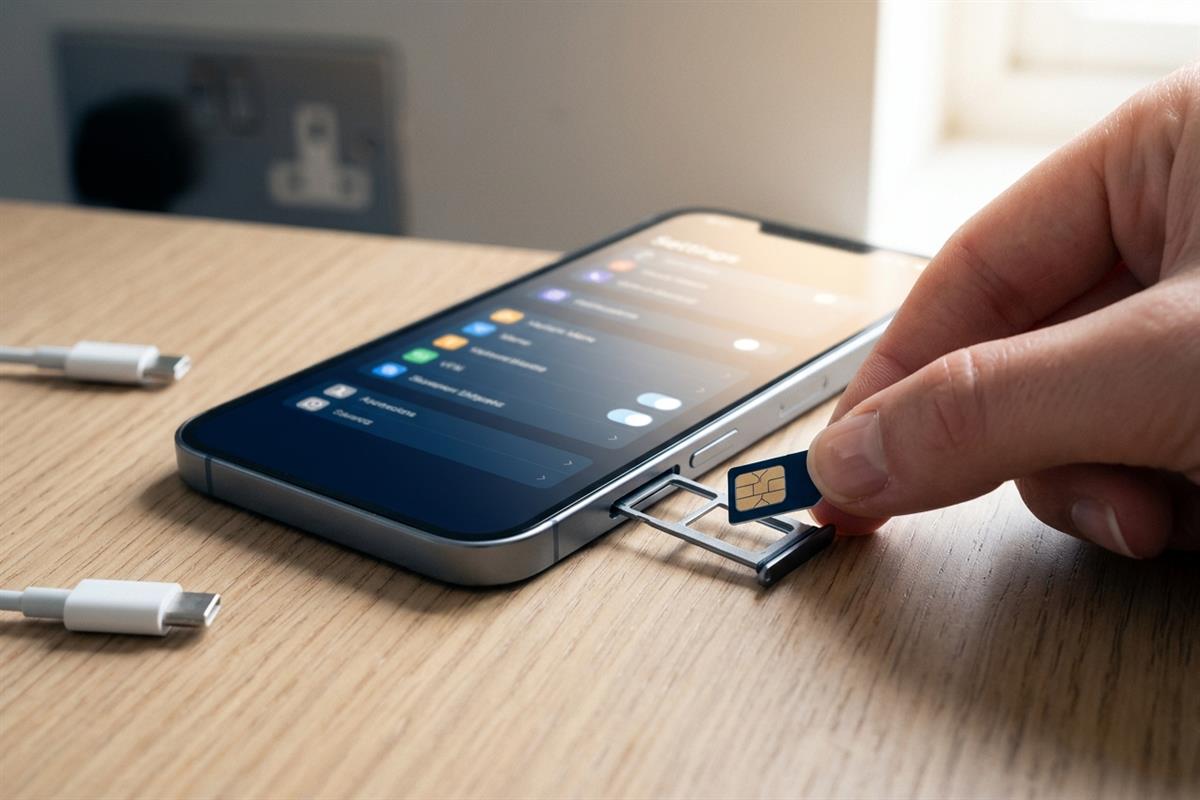
If you need the current provider rather than the historical allocation, use the phone or the account:
- Phone settings. On iPhone, open Settings > Mobile Data (or Mobile Service) and look at the network name. On Android, check Settings > About phone > SIM status or Network & internet.
- Text 611. Many UK networks reply with the current operator name when you send a free text to 611. Support varies, so check your provider's help pages.
- Provider app or online account. The account dashboard usually names the host network and plan.
- Your bill or welcome pack. It will identify the legal entity and the network behind the brand.
- Ask the provider directly. If you are buying a second-hand phone or SIM, this is the only reliable route.
When a prefix lookup is genuinely useful
Even with portability, the original allocation can help in several situations:
- Understanding the number type. A 070 number is personal numbering, not a normal mobile. A 076 number may be paging or an Isle of Man mobile. That changes how you should respond.
- Spotting range-based patterns. Scam campaigns often work through a block of numbers. If reports cluster around one range, the prefix helps you see the pattern.
- Historical context. If a number has been recycled, the original network may explain why an old report describes a different kind of caller.
- Verifying a business number. A number that claims to be a local business but sits in a mobile range may deserve a second look.
For all of these, the prefix is one clue among several. Community reports, the number type, the area and the timing of calls matter just as much.
Common mistakes people make
- Assuming the prefix is the current network. Portability makes this unreliable.
- Trusting a "network lookup" site that only reads three digits. Five- and six-digit allocations matter.
- Paying for a "subscriber lookup". No public UK directory links a number to a person. Paid sites often recycle marketing data.
- Ignoring MVNOs. The brand on the SIM may not be the network on the mast.
- Treating a clean result as a safety guarantee. A number with no reports can still be a scam; a number with old reports may have changed hands.
Never share a one-time code
Whatever network a number belongs to, no genuine bank, utility or government service will ask you to read out a verification code. If a caller does, end the call and contact the organisation using a number you find yourself.
Putting it together
A prefix tells you where a number started. Your phone settings tell you where it is now. Community reports tell you what other people experienced when it called them. Used together, those three pieces give a much better picture than any one of them alone.
Start with the UK number lookup, then read the guide to UK mobile operators if you want the wider market context. If the number keeps calling, the blocking guide explains how to stop it on iPhone, Android and landlines.
Before you act on a call: check the number in our
UK number lookup, never share a one-time code with a caller,
and use the protection guides if you are unsure.
 Frequently asked questions
Can I tell my network from my mobile number?
Only approximately. The prefix shows which network originally held the range, but number portability means the current provider can be different.
What do the prefixes 071 to 079 mean?
They are UK mobile ranges allocated in blocks. 070 is personal numbering, 076 is paging or Isle of Man mobile, and 071-075 and 077-079 are general mobile ranges.
How do I find my current operator?
Check your phone settings, the provider app or your bill. You can also send a free text message to 611 (UK) where supported; the reply identifies your network.
Why does a lookup show a different network from my SIM?
The SIM has almost certainly been ported. The lookup shows the original allocation for the range, not the current carrier.
 Related articles
All
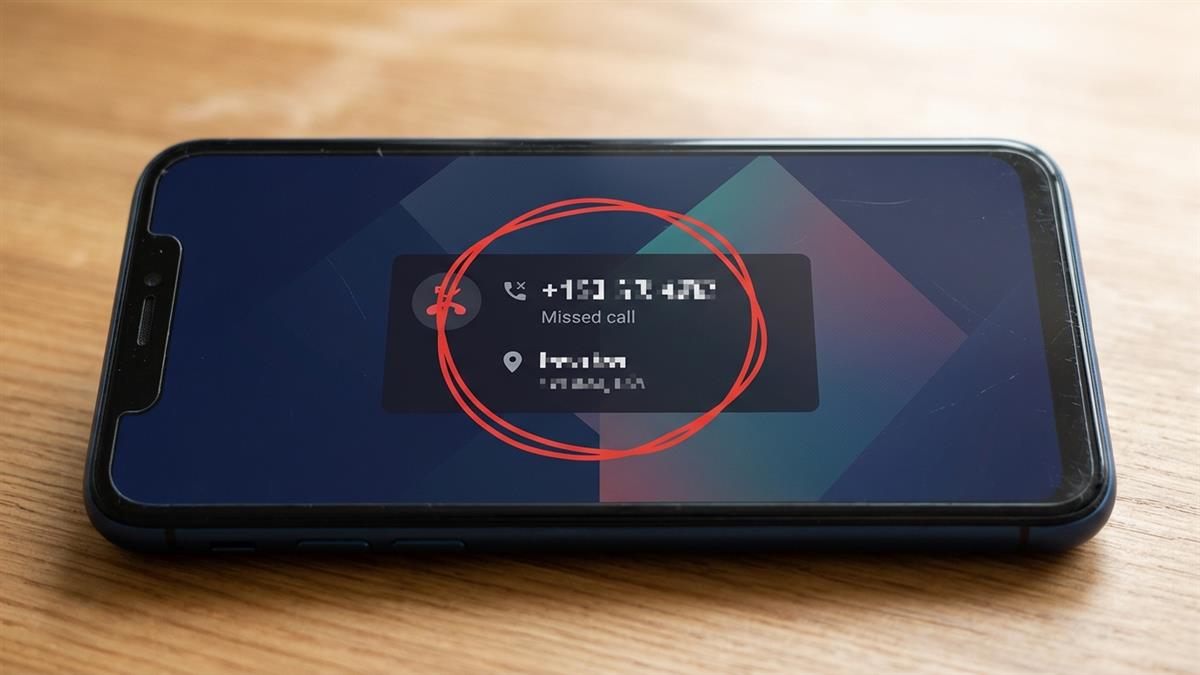

 Check a number before you call back
You can also read the latest community reports, browse UK area codes or open the protection guides.